Bluetooth is a fairly common feature these days. You can find it in cars, laptops, TVs and even hearing aids. While the feature has been available in hearing aids for a while now, it’s still worth taking some time to understand how it can help you make the most of your devices.
The Benefits of Bluetooth
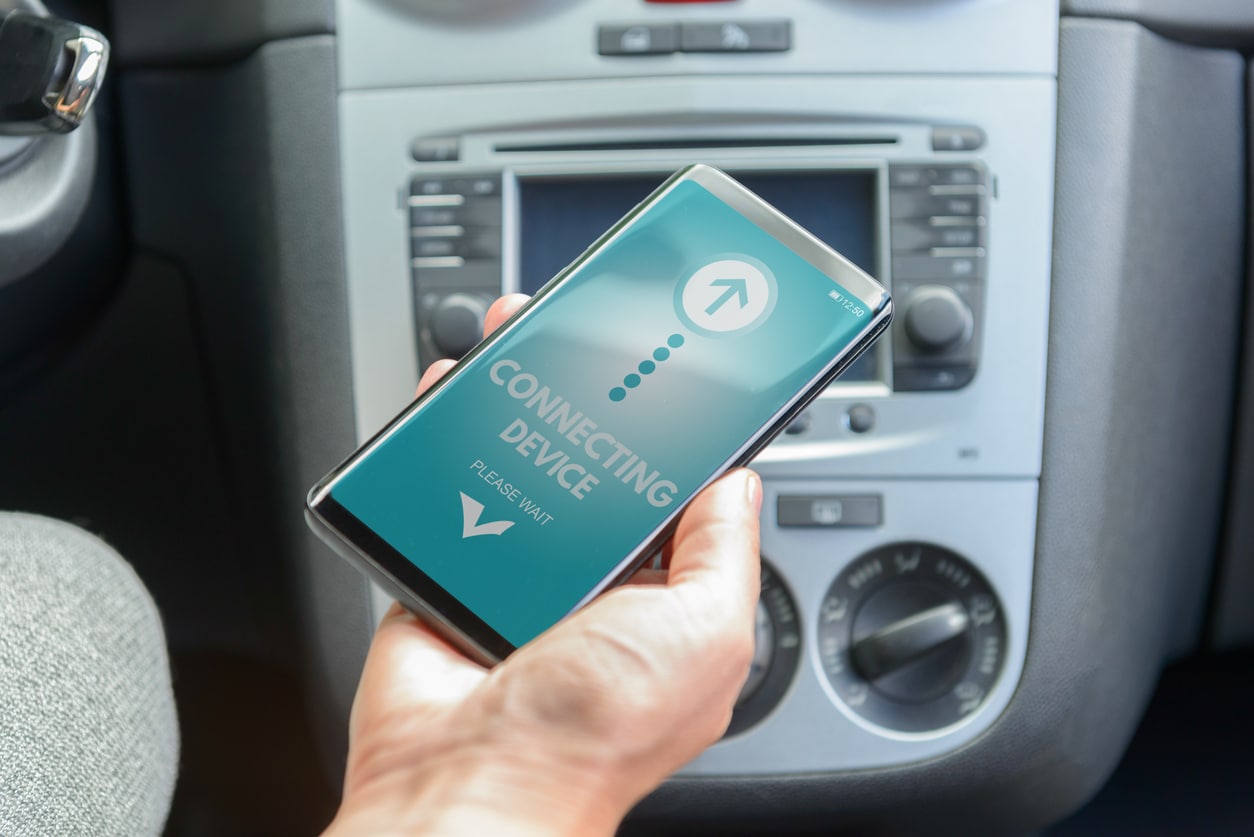
Bluetooth-enabled devices talk to each other using low-power radio waves on a frequency band between 2400 and 2483.5 MHz. A few things you can do with Bluetooth hearing aids include:
- Listen to your favorite music or a new audiobook hands-free while cleaning, walking around Wesselman Woods, working out at the gym and more
- Enjoy clearer phone calls and virtual meetings
- Connect to your TV
- Check your hearing aid battery levels and adjust their settings through a smartphone app
- Schedule remote hearing aid adjustments with your provider
Learning how to use the Bluetooth features in your hearing aids will help bring you even closer to the people, music and TV shows in your life.
Connecting Bluetooth Hearing Aids
After confirming that your hearing aids have Bluetooth, take the following steps to connect them:
- Remove your devices from your ears, then turn them off and on again. If they’re rechargeable, place them in their case with the lid open
- Go into the settings app of the device you’re trying to connect your hearing aids to and click on the Bluetooth section
- Make sure Bluetooth is turned on
- You should see a list of potential devices. Click your hearing aids when they appear, usually under “new devices”
- If your hearing aids don’t connect, repeat steps one through four again
Once you successfully connect your hearing aids, you can stream audio effortlessly without any extra devices.
If you want to unpair your hearing aids, just go into the Bluetooth settings of the device they’re connected to and click “disconnect” in the options menu next to your hearing aids’ name.
Can I Connect to More Than One Device at Once?
You can stream audio to your hearing aids from only one device at a time. That said, you can pair your hearing aids with multiple smart devices, making it easy to switch between them. To change devices, simply select your hearing aids in the Bluetooth settings of the device you want to use. In some cases, you may need to disconnect or turn off Bluetooth on the first device, since another device may not detect the hearing aids while they’re already connected elsewhere.
If you have questions about pairing your devices, contact Hearing Healthcare Center, Inc. today.